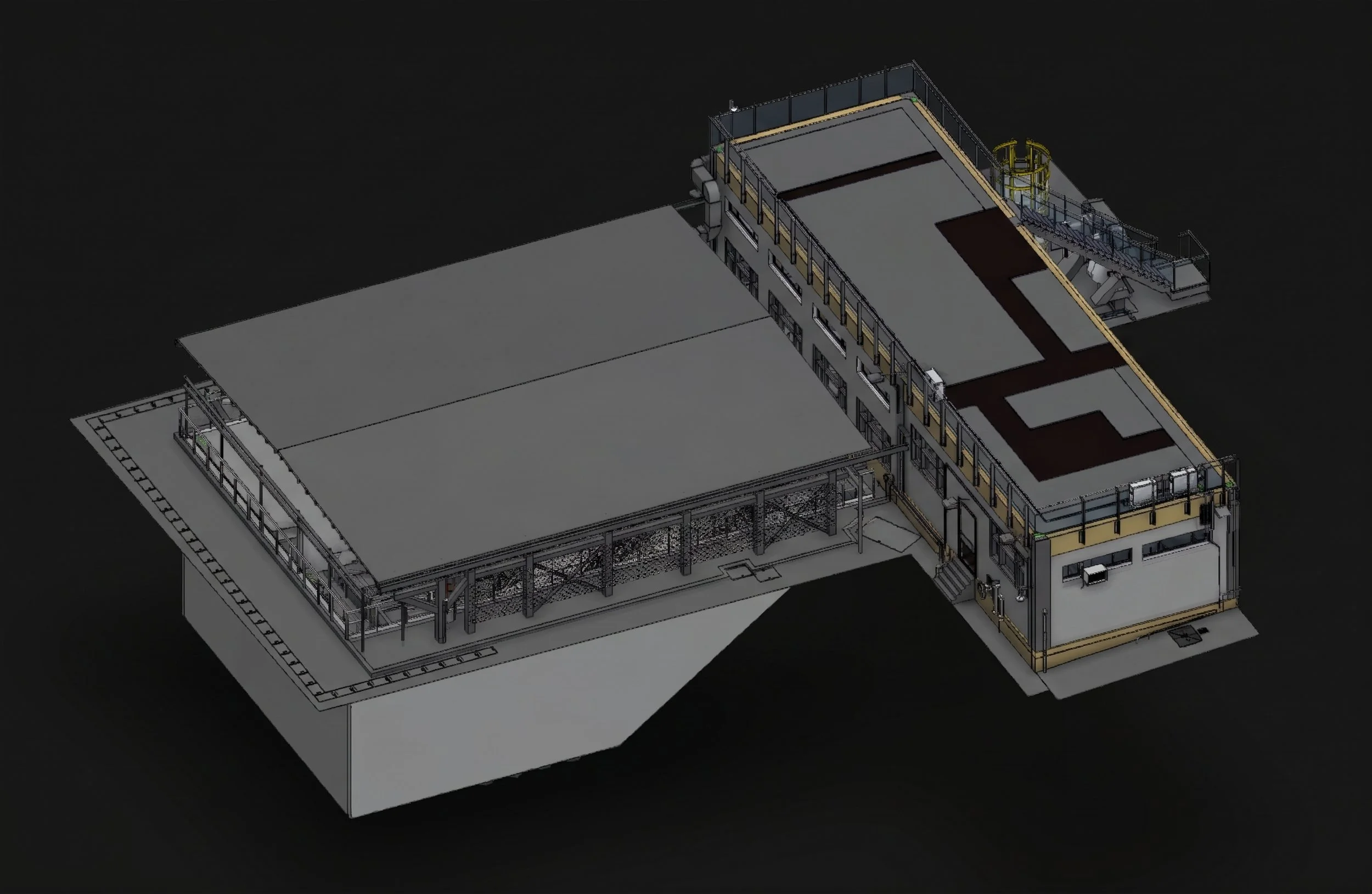
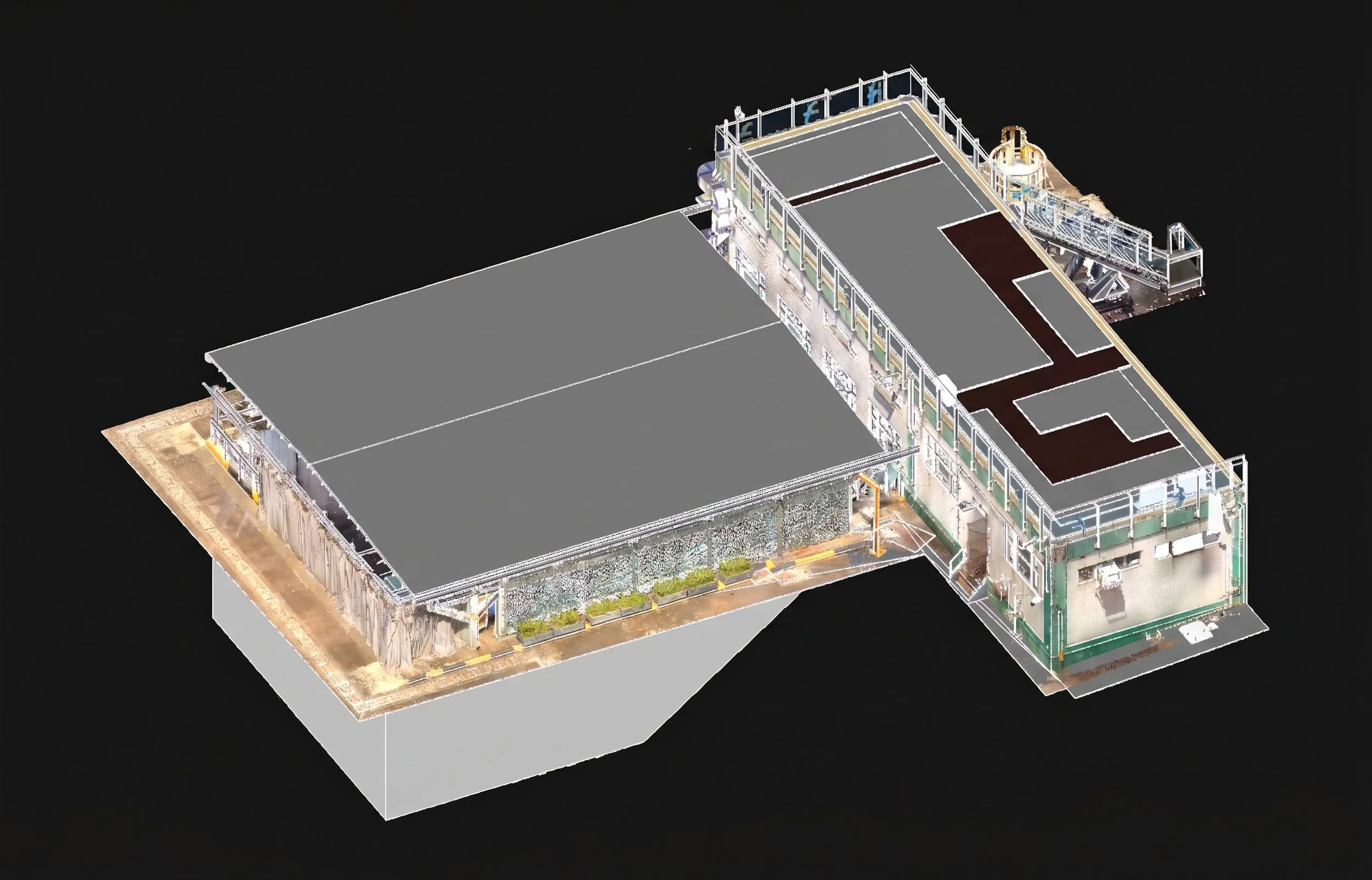
Scan-to-BIM
Streamlining the Journey
from 3D Scanning to BIM
3DMas simplifies Scan-to-BIM workflows by transforming complex point-cloud datasets into organized spatial information, providing clear references for efficient and accurate BIM modelling.
Why 3D Scanning ?
For existing buildings, creating accurate BIM models can be challenging, especially when as-built drawings are unavailable, outdated, or incomplete, or when facility assets are poorly documented. Compared with conventional manual measurements, 3D scanning efficiently captures detailed spatial information of existing structures and equipment, providing a comprehensive and reliable reference for BIM modelling.
Intelligent Point-Cloud
Processing for
Scan-to-BIM
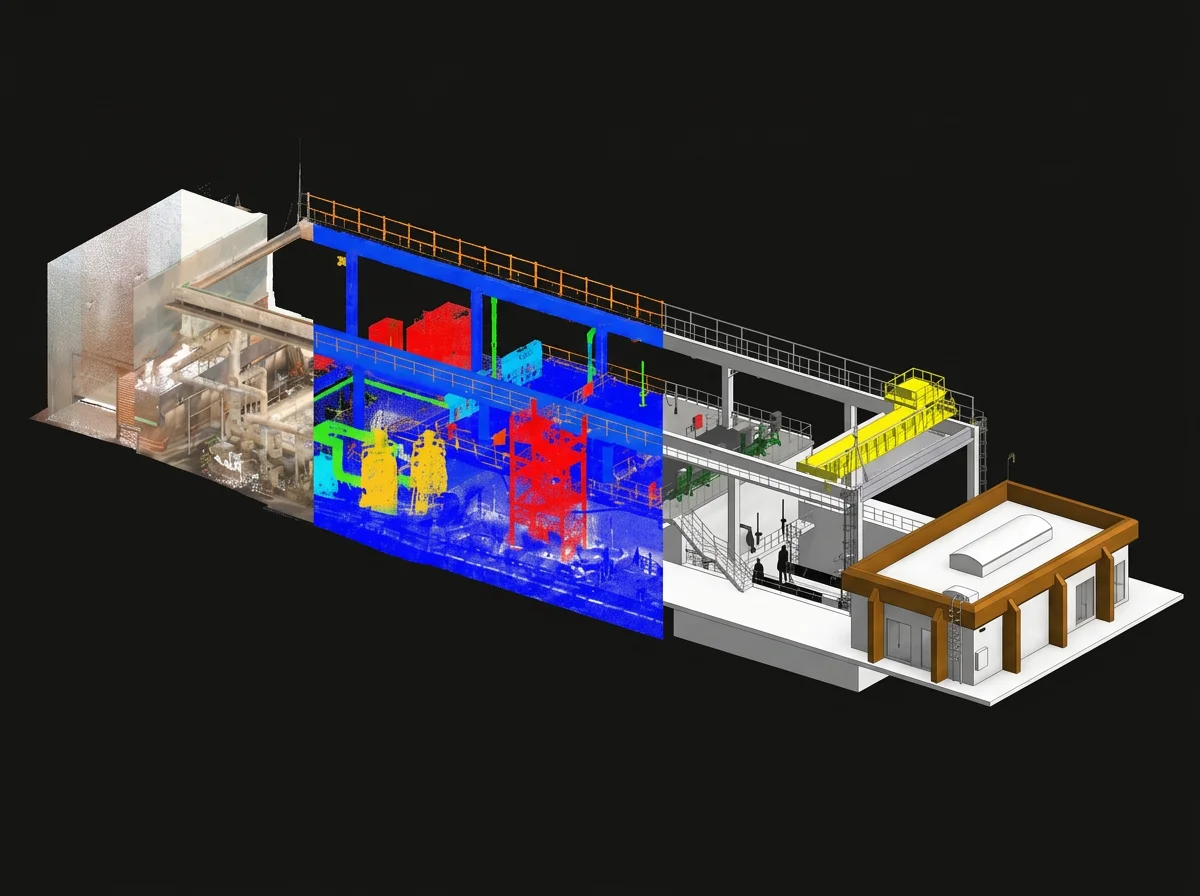
Scan-to-BIM often involves large-scale and complex point-cloud datasets that require extensive inspection and analysis. 3DMas addresses these challenges through building cloud slicing and AI-assisted object detection. By extracting architectural elements and organizing asset information, it provides structured references to support downstream BIM modelling and verification.
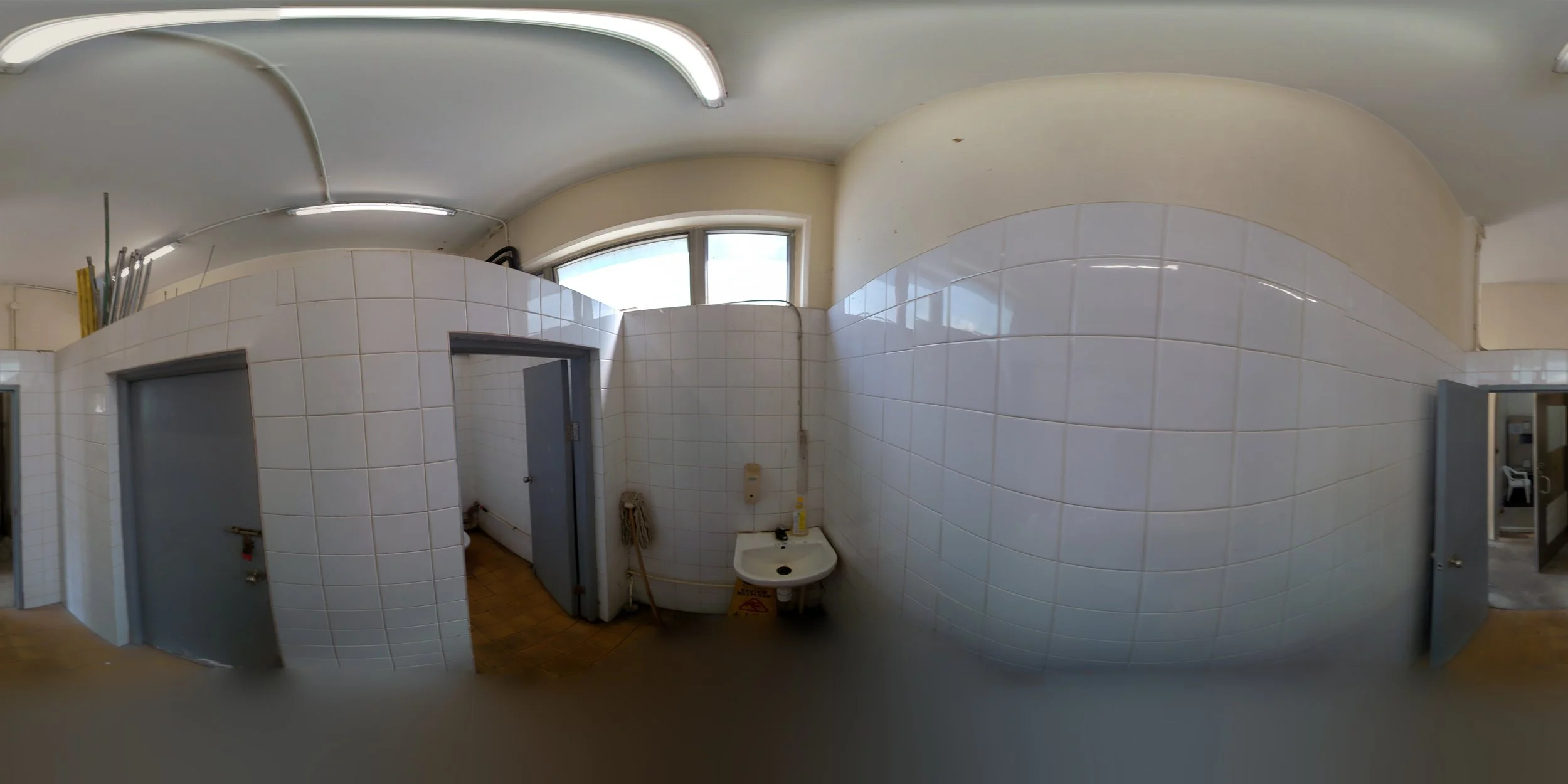
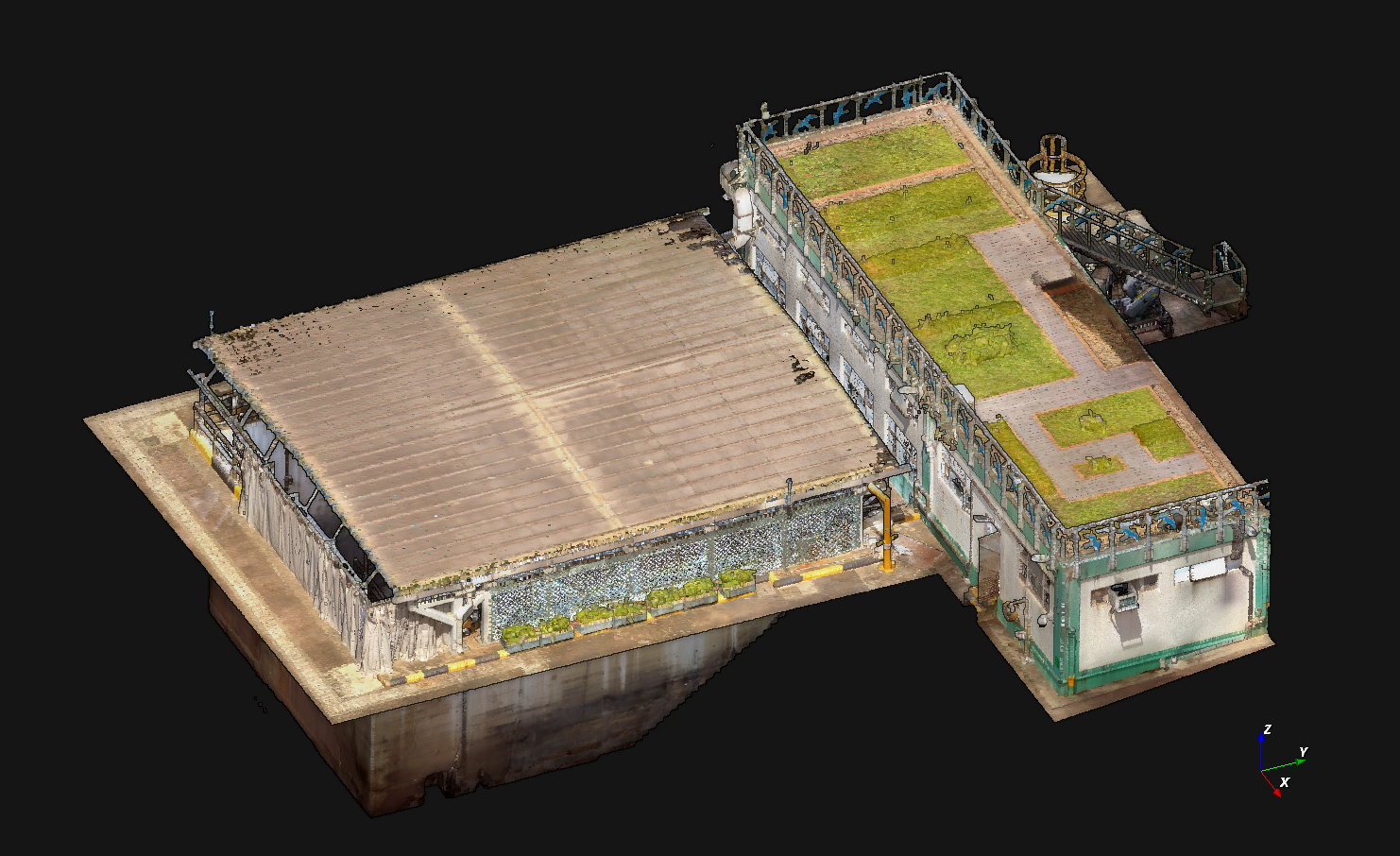
Import Point Cloud & Panoramic Captures
Import 3D point-cloud data and registered panoramic images to prepare the dataset for further processing and analysis.
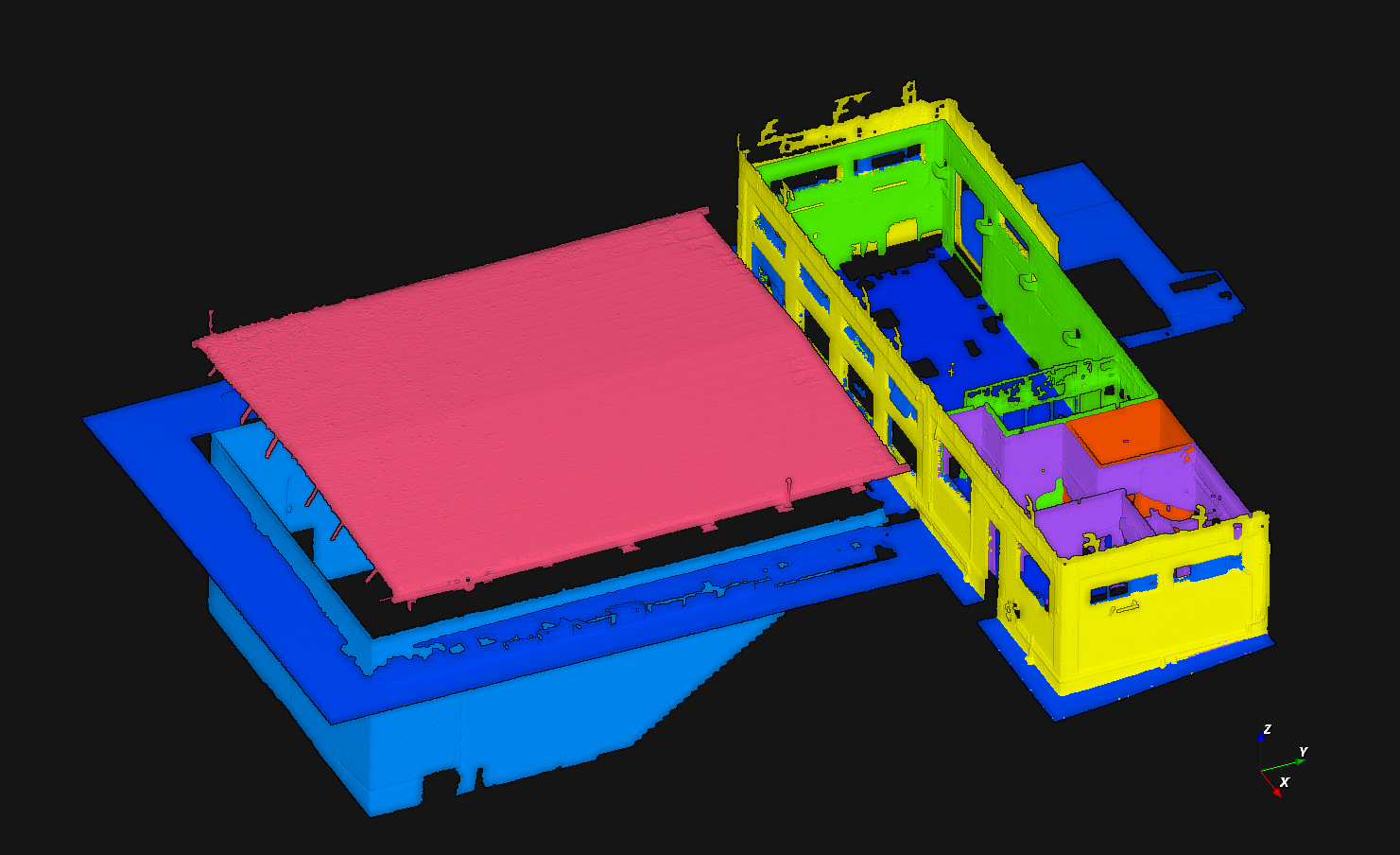
Plane Segmentation
Apply Building Cloud Slicing & Wall Segmentation algorithms to separate building levels and extract architectural elements such as walls, floors, and ceilings.
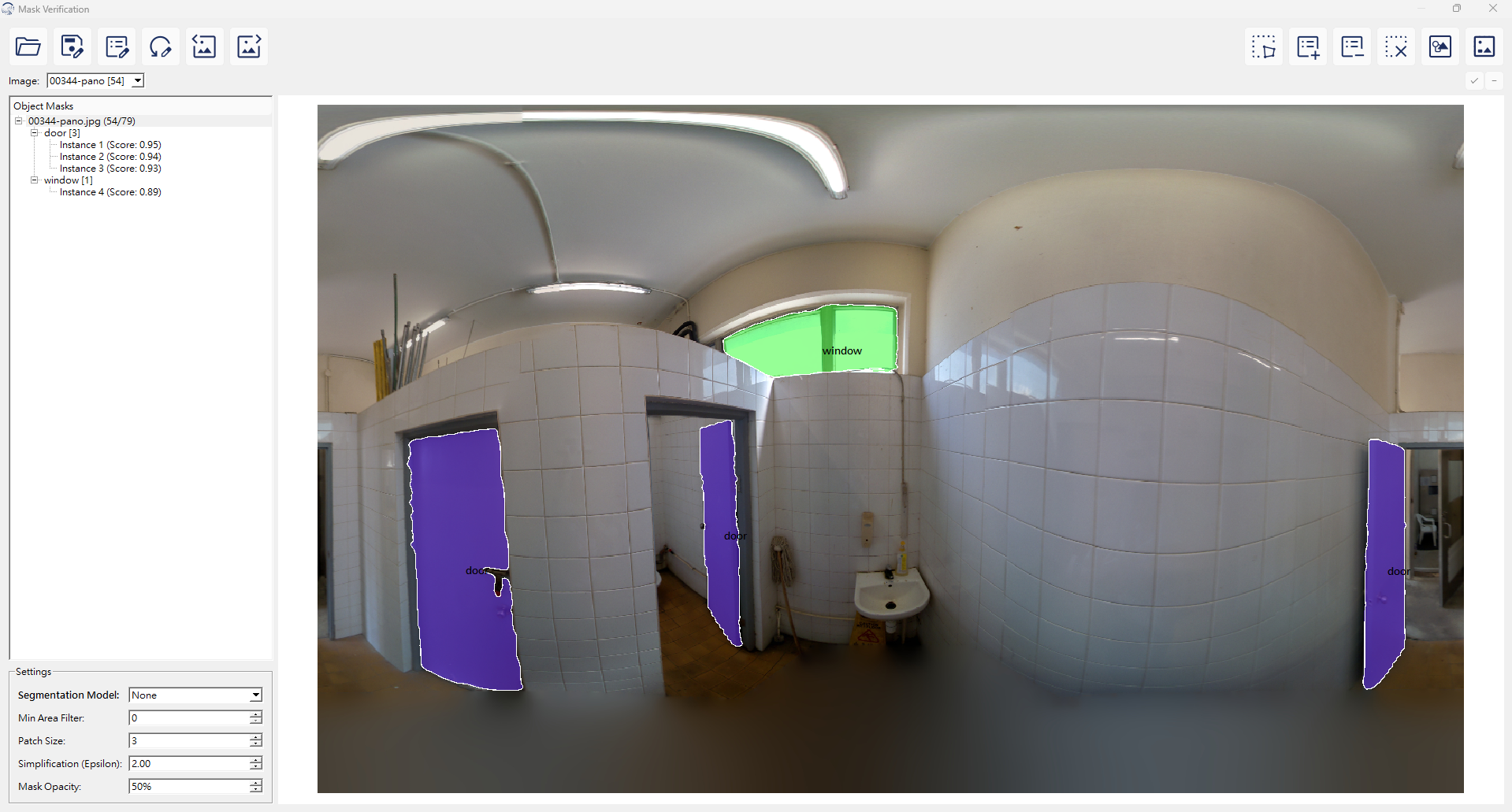
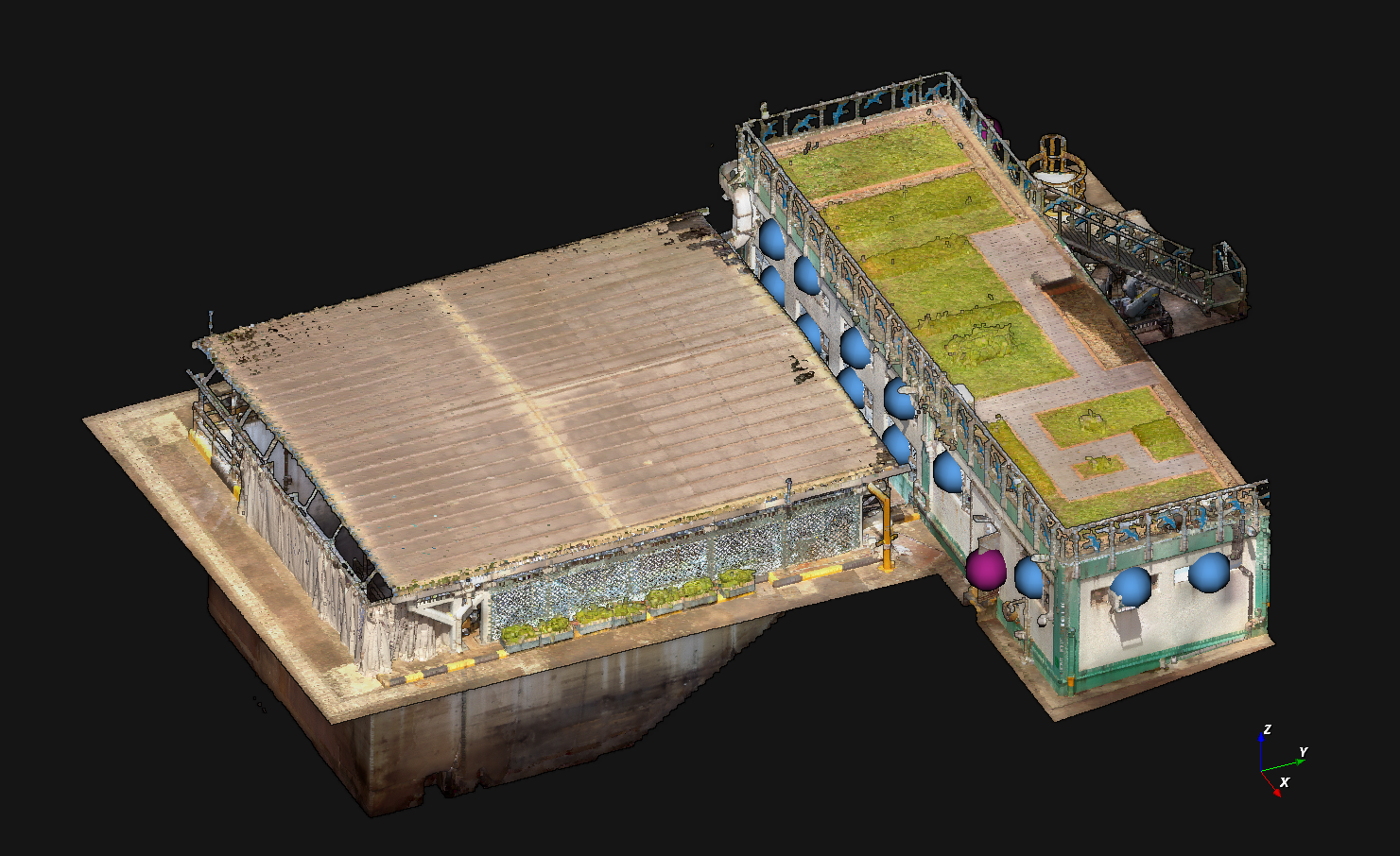
AI-Powered Object Detection
Use AI text prompts to detect target objects in panoramic images and project the detection results into the 3D point cloud for object segmentation.
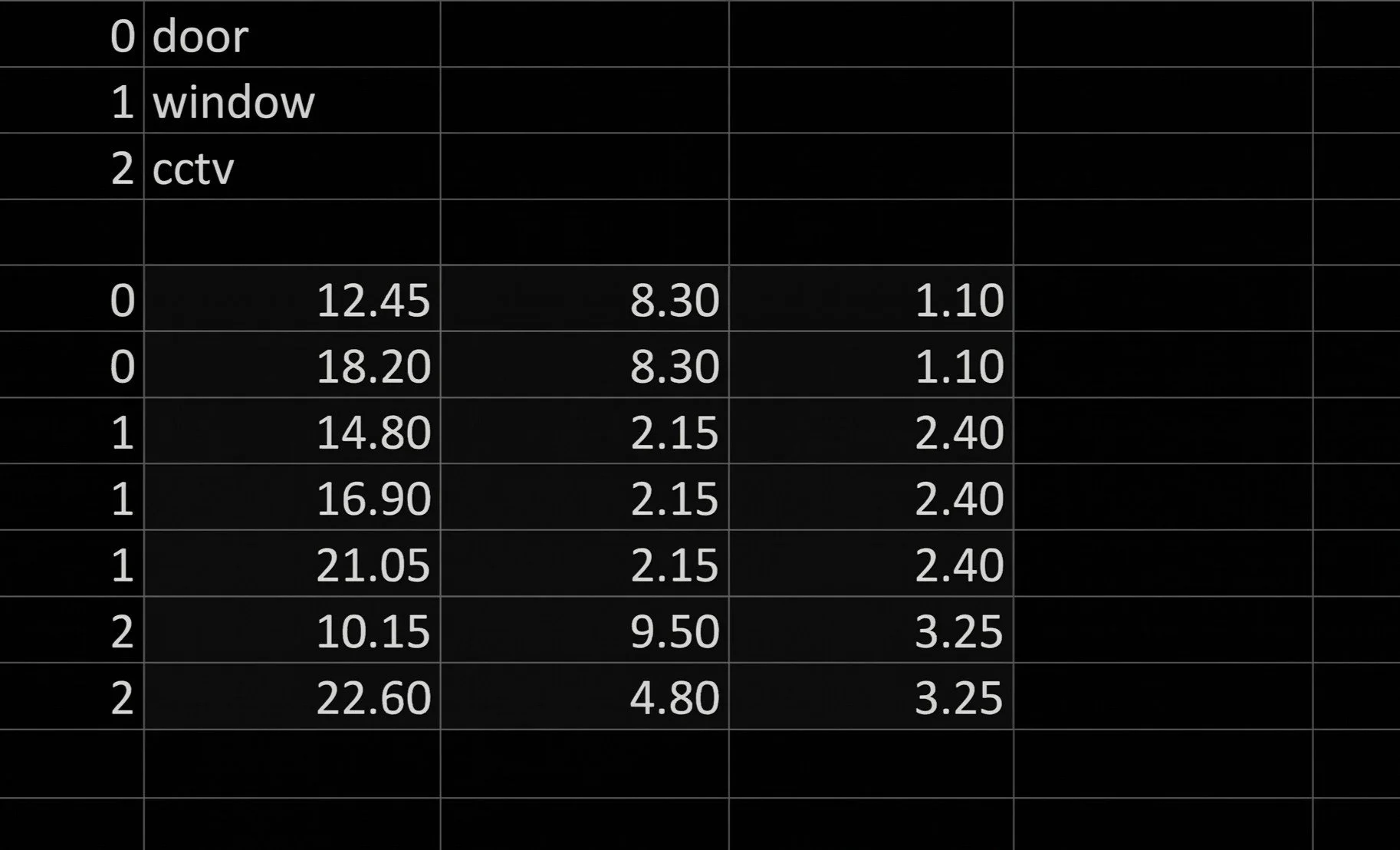
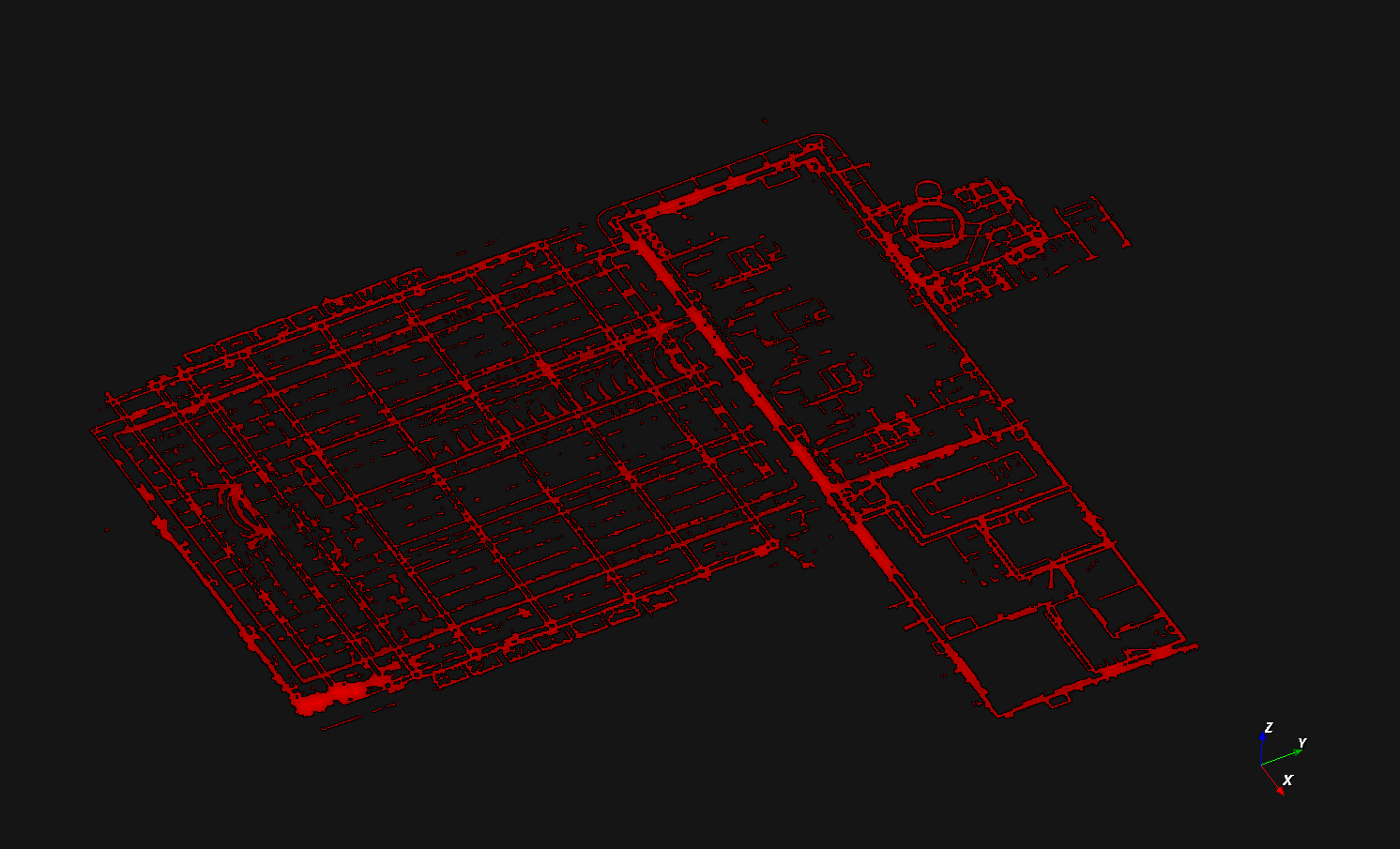
Asset Lists & Compartment Layouts
Generate asset lists containing object quantities and locations, along with compartment layouts that describe the spatial organization of the site.
Reference-Based BIM Modelling
Use segmented point clouds, compartment layouts, and asset locations as organized references to create detailed BIM models with greater efficiency and accuracy.
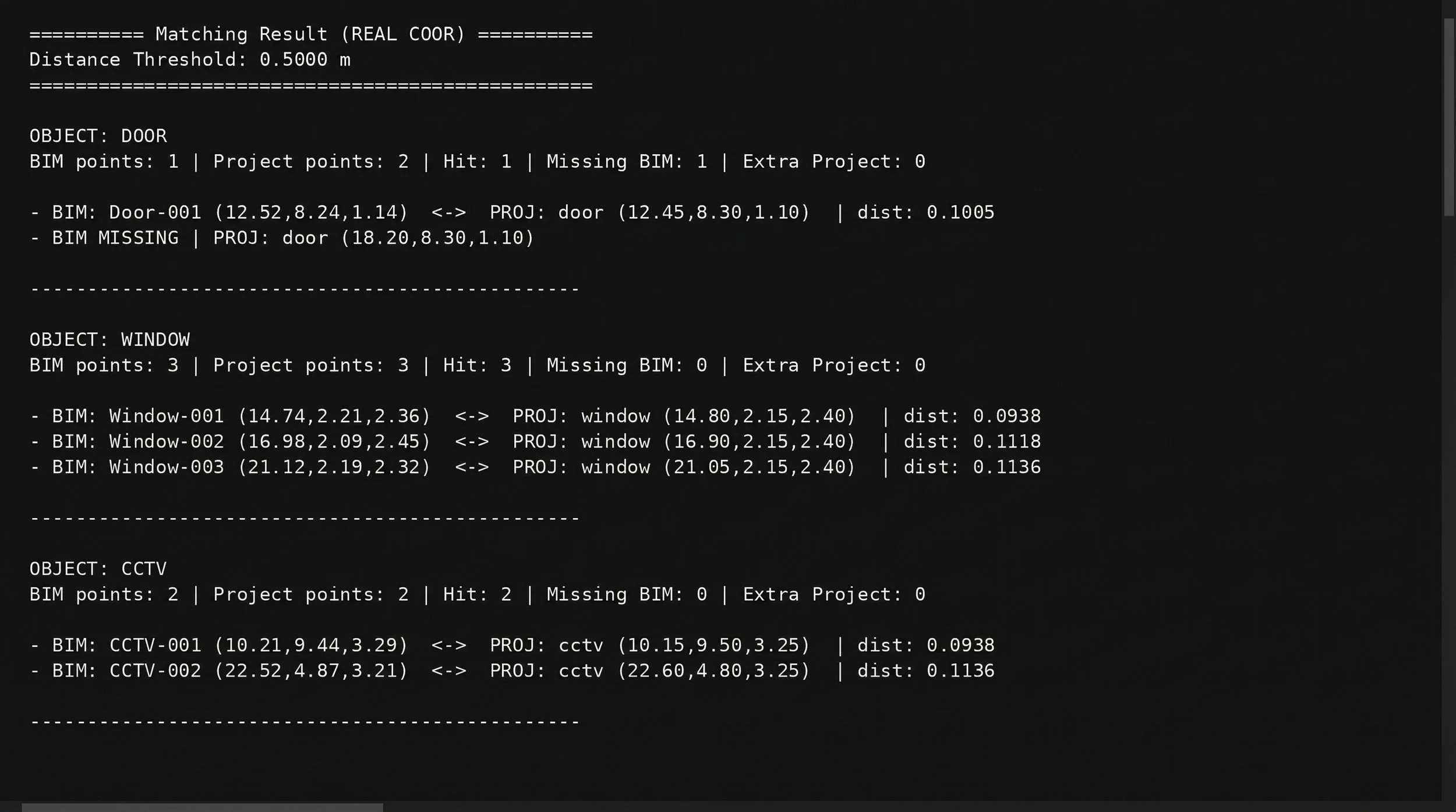
BIM Model Cross-Checking
Cross-check the completed BIM model against asset lists and compartment layouts to identify missing elements, verify asset information, and improve model accuracy.